Accessories – Friction Block

Friction Block

Accessories for
test devices FT-2000
and the FT-Series

What is the Friction Block?

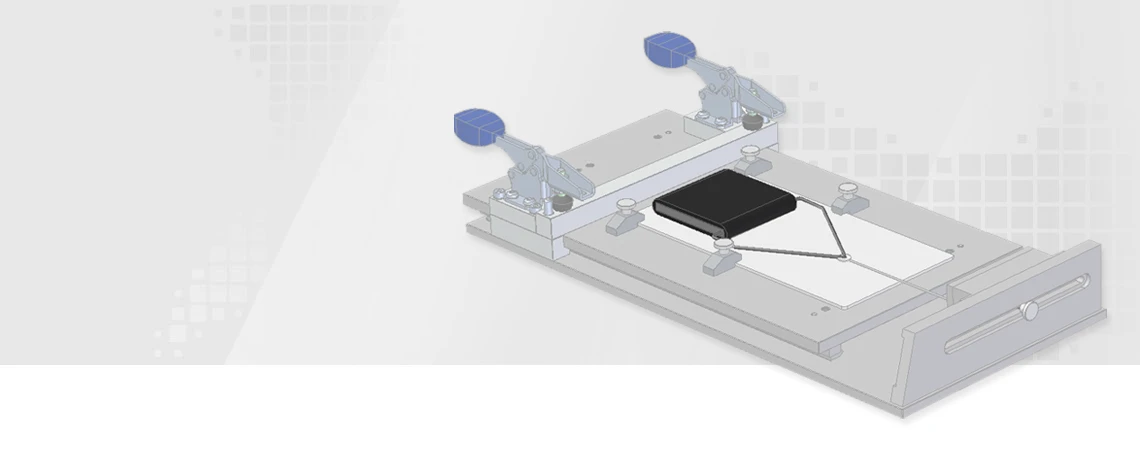
The ZIEGLER friction equipment is an accessory for the FT-2000 test device and test devices of the FT series for measuring friction. It is used to determine the dynamic friction value (sliding friction), also known as COF value (COF = Coefficient of friction), of plastic foils against a friction partner, e. g. plastic, metal, paper, etc. It was specially made to meet the test requirements of ASTM D 1894 (ASTM International).

Specifications / Technical Data

  • Sled: according to ASTM D 1894 (ASTM International)
  • Testing standard: according to ASTM D 1894 (ASTM International)
  • Dimensions (without coating): (L) 63.5 mm x (W) 63.5 mm x (H) 6 mm
  • Material: Stainless steel
  • Coating: Foam rubber (thickness: 3.2 mm)
  • Ambient temperature: 23 °C
  • Weight: 200 g ± 5 g

Attaching the test material

  1. Do not touch the surfaces of the two friction surfaces with hands under any circumstances. Avoid impurities or fats on the surface.
  2. Use the friction surfaces only once.
  3. Maintain an ambient temperature of 23 °C.
  4. Do not connect the sled to the fork before attaching the material. Keep it lying freely.
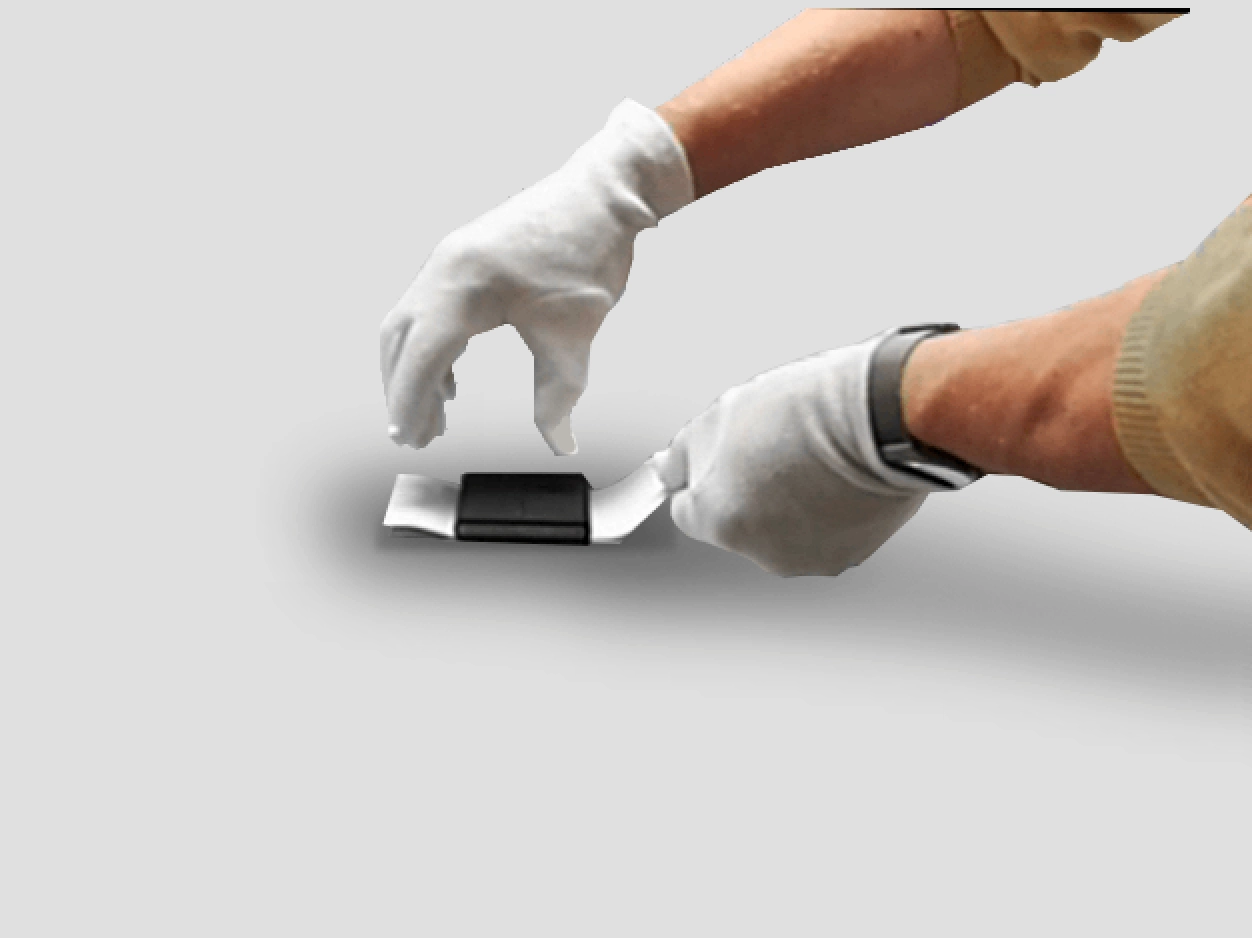
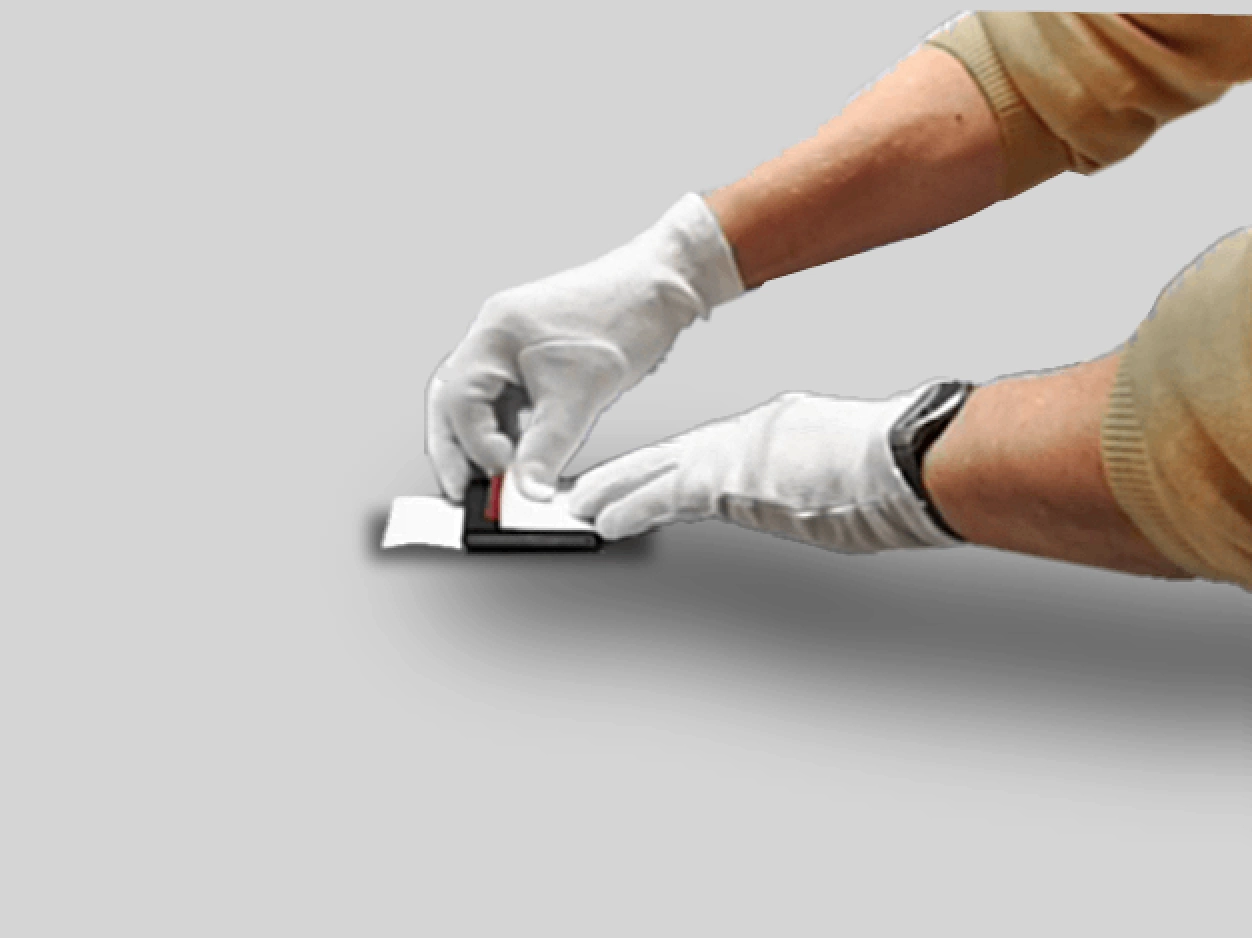
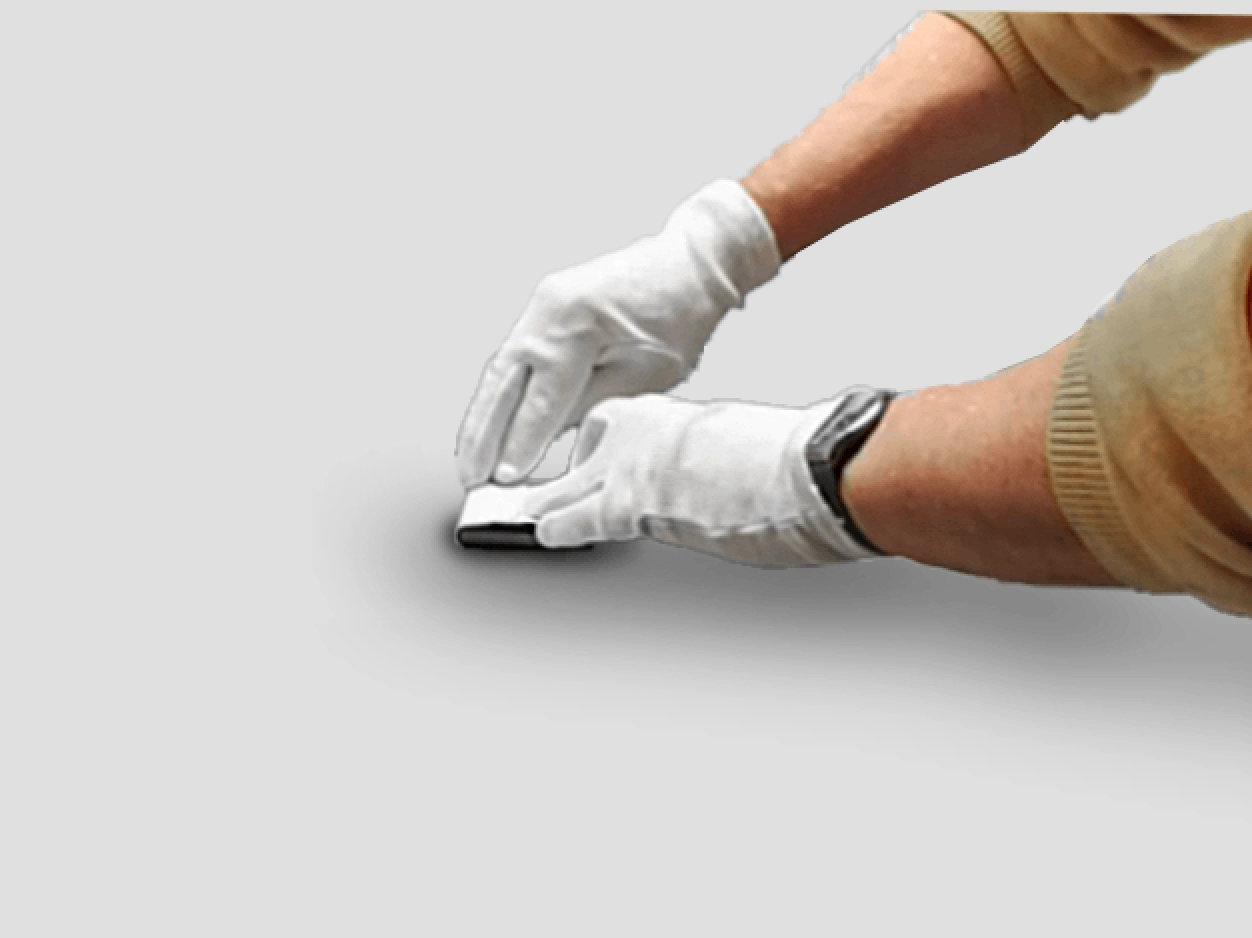
  5. Fasten the material to be tested tightly around the friction block using an adhesive tape.
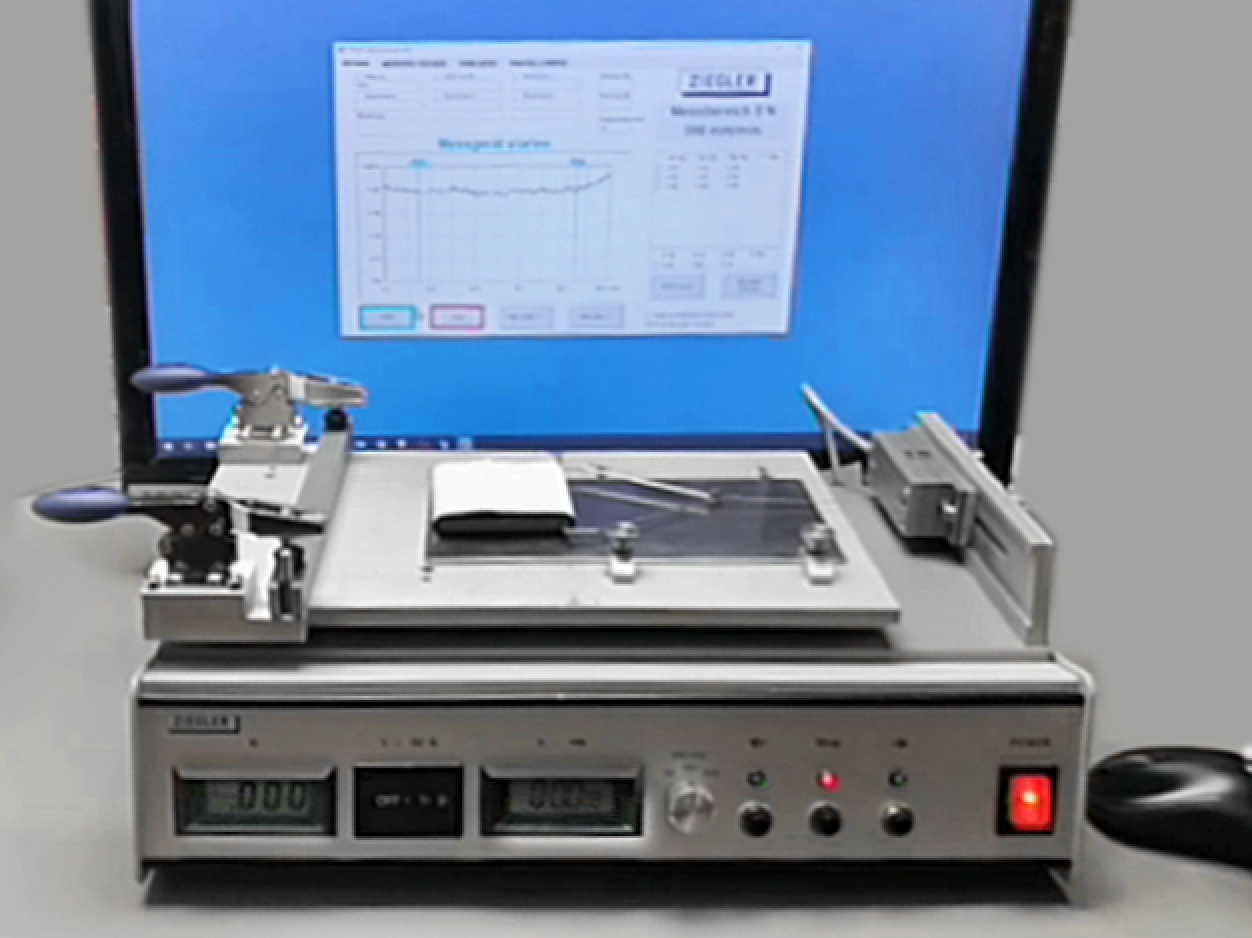
Attaching friction block 1 Attaching friction block 2 Attaching friction block 3

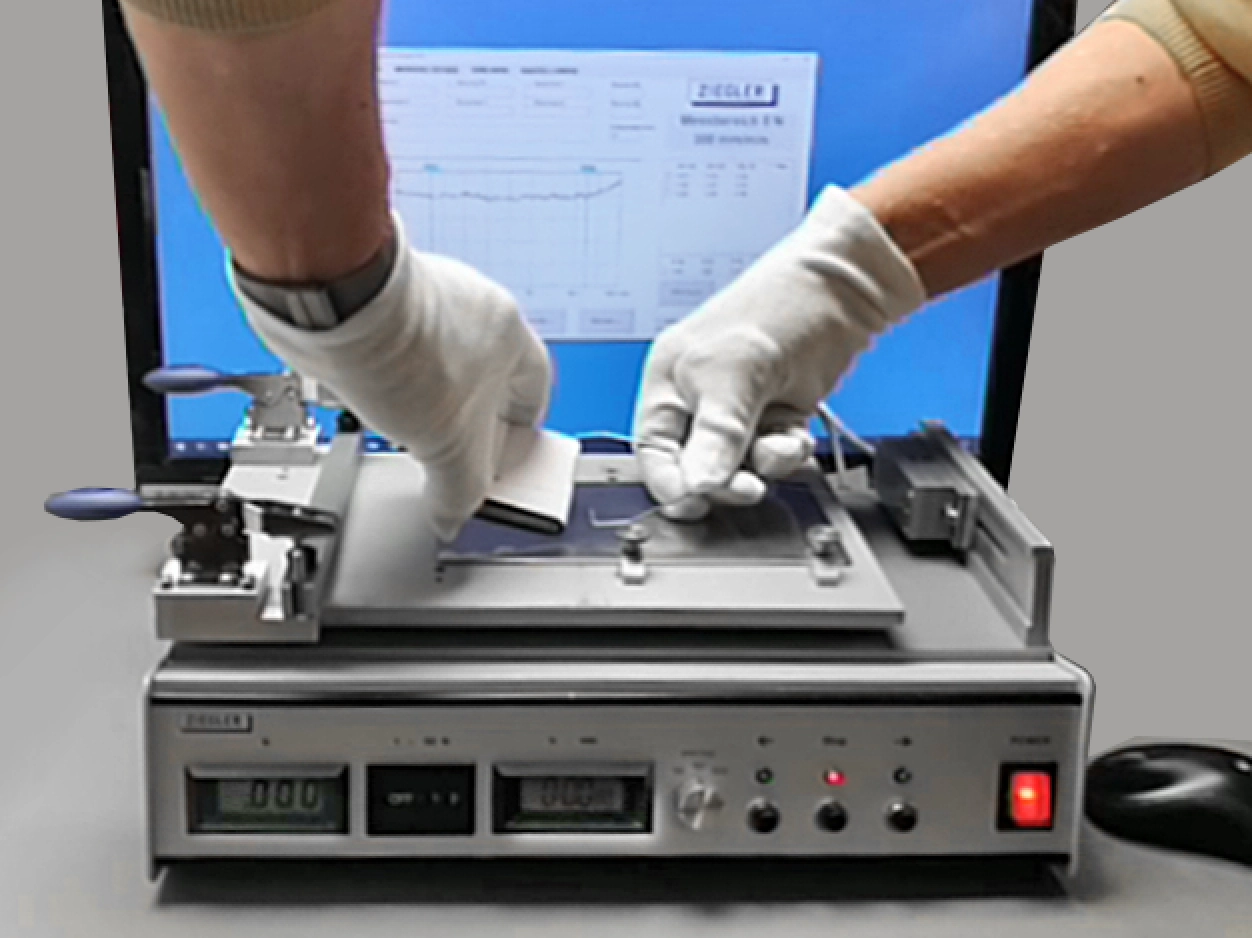
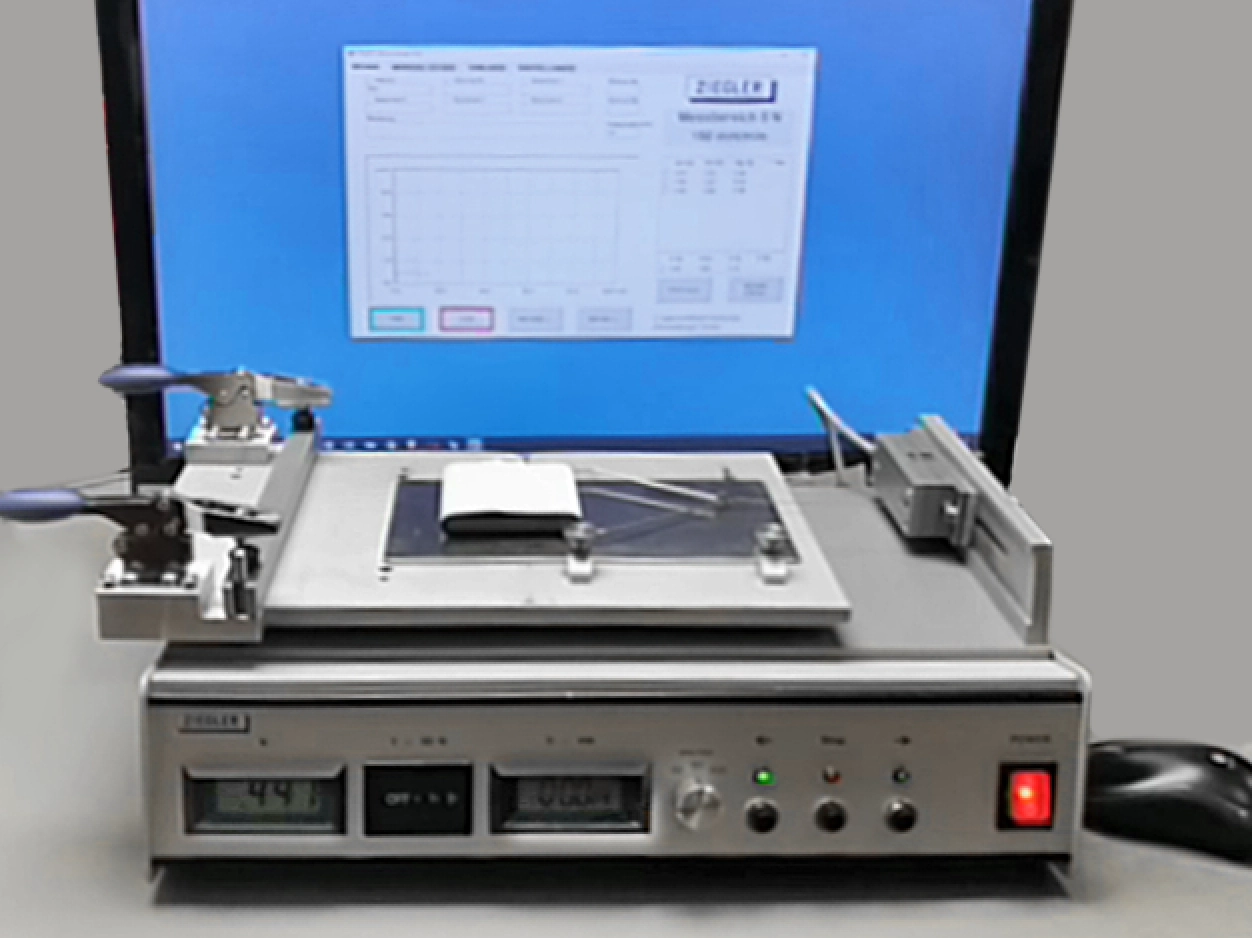
Demonstration 1 Demonstration 2

Hooking the sled

  1. Before hanging the test sled on the pull cable, check the zero point and, if necessary, carry out a zero point adjustment (see the manual of the ZIEGLER test device).
  2. Attach the test plate with the applied friction partner to the sample table (the illustration opposite shows a test plate as the friction partner).
  3. Attach the metal fork to the holes provided on the sled.
  4. Center the sled to the long side of the track. Lay the pull cable straight. It should be just before the tensioned state. No tension must be visible.

Starting process

  1. Set the sample table to a speed of 150 mm/min.
  2. Click on the green "START" button in the FTSOFT (software).
  3. Press the START button on the test device to start the measurement.
  4. Let the measurement run. Wait until the sample table has run through the measurement.
  5. After the measurement is finished, read the force of the measurement in N (Newton) from the measurement diagram.
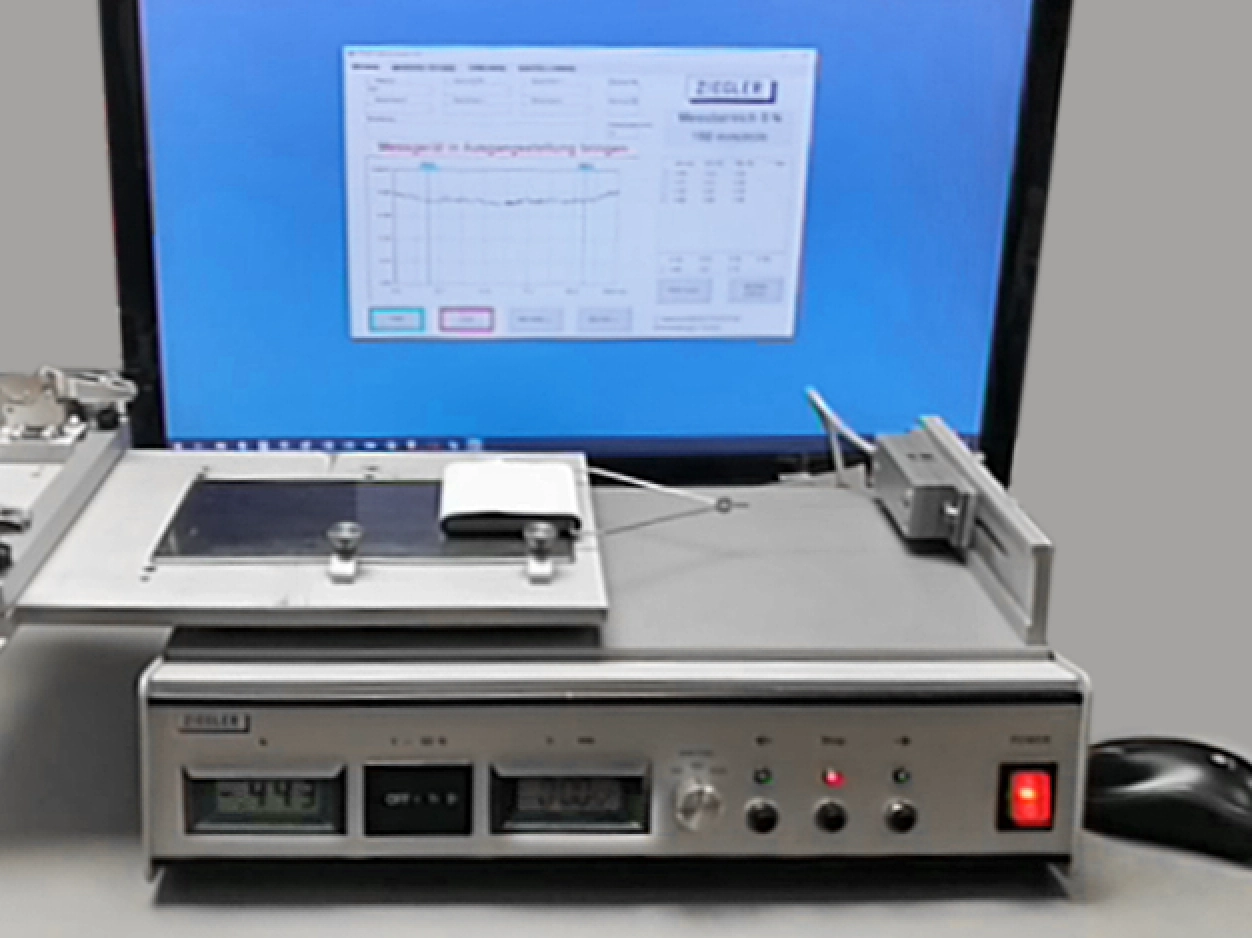
Demonstration 3 Demonstration 4

Conversion of the measured force in N to the COF value

The FTSOFT software for ZIEGLER FT test devices does not contain a conversion function for determining the COF value.

It is therefore necessary to convert the force in N (Newton) into the COF value:

Formula:
Measured mean value in N / support weight in N (= 1.96)

Example:
0.71 N / 1.96 = COF 0.36

For questions or for a product consultation:
Phone-Icon +49 89 313 1760
Mail-Icon info (at) ziegler-tec (punkt) de